This video, "You’re Not Behind (Yet): How to Learn AI in 29 Minutes," provides a comprehensive roadmap for individuals to understand and effectively utilize artificial intelligence tools, regardless of their technical background. The core messag
This video, "You’re Not Behind (Yet): How to Learn AI in 29 Minutes," provides a comprehensive roadmap for individuals to understand and effectively utilize artificial intelligence tools, regardless of their technical background. The core messag
e emphasizes focusing on fundamental skills rather than chasing every new model release.
Core Philosophy
The landscape is viewed as overwhelming, but the creator suggests ignoring the "noise" of frequent updates. Instead, mastery comes from unde
rstanding core concepts and focusing on the problems one needs to solve, rather than just using tools because they are trending.
The Three Paths for Users
The creator categorizes users into three distinct paths based on their goals:
Path Profile
Objective
Everyday Explorer Seeks ease and efficiency. Tasks like summarizing, writing, organizing, and prep work.
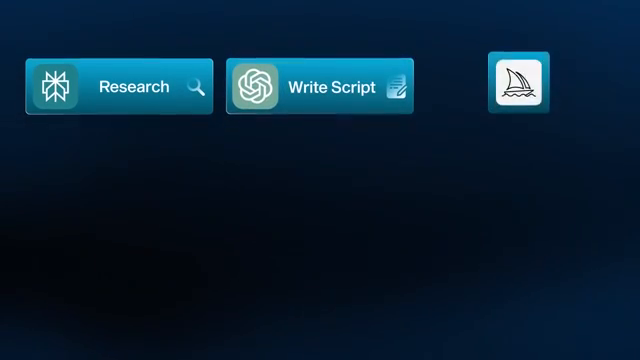
Power User Aims for speed and scale. Content creation, brainstorming, and "stacking" multiple tools.
Builder Goes deep into syste
ms. Automating complex tasks and building custom internal tools.
Tool Categories
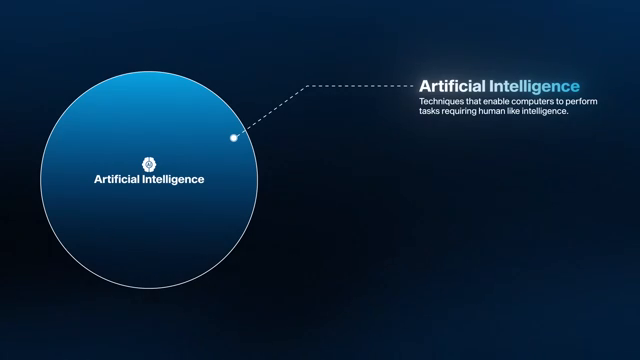
The AI landscape is simplified into five primary functional categories, plus a secondary category:
Large Language Models (LLMs): The foundational toolkit (e.g., Cha
tGPT, Claude, Gemini, Grok). Used for reasoning, generation, and analysis [05:21].
Research Tools: Combine LLMs with real-time data or personal knowledge bases (e.g., Perplexity for search, NotebookLM for managing personal documents) [09:10].
Im
age Generation: Based on diffusion models (e.g., Midjourney, ChatGPT, Ideogram) [10:13].
Video Generation: Rapidly evolving; includes text-to-video and image-to-video capabilities (e.g., Runway, Haiper) [11:13].
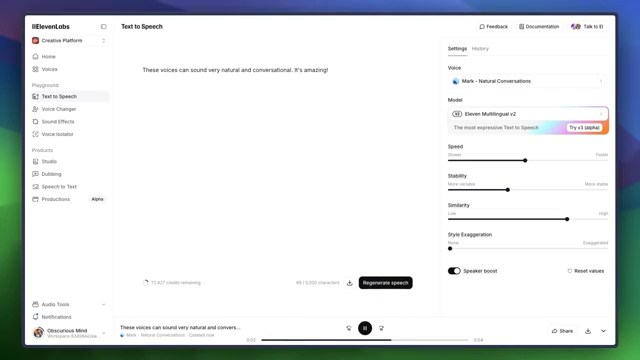
Audio Generation: Text-to-speech
(e.g., ElevenLabs) and music creation (e.g., Suno) [12:38].
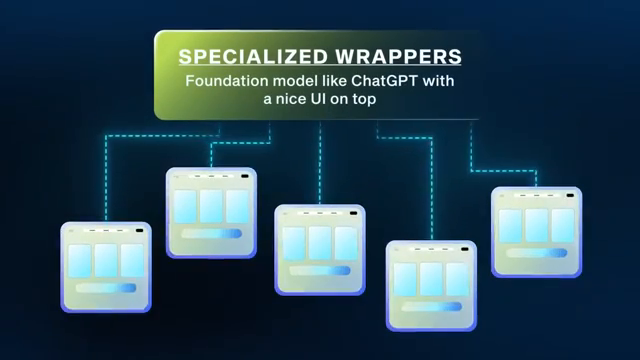
Specialized Wrappers: Tools built on foundational models that provide a specific UI and guardrails for niche tasks [14:44].
Essential Skills
Regardless of the tools used, the creator id
entifies four foundational skills that will remain relevant:
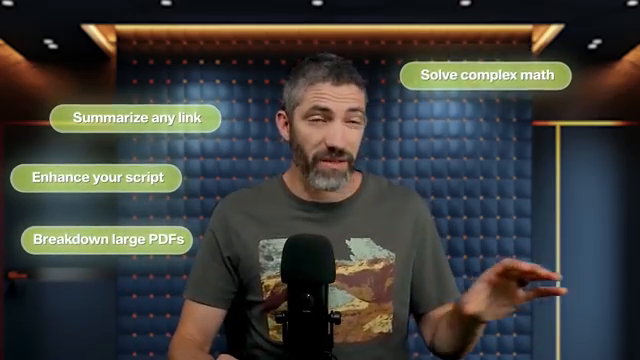
Prompting: The most essential skill. Use the Aim, Context, Rules framework:
Aim: What to do (e.g., "Write a blog post").
Context: Relevant background (e.g., "I am a productivity coach"
).
Rules: Formatting/Style constraints (e.g., "Under 500 words," "Include bullet points").
Role Prompting: Assigning a specific persona to the model to instantly shift the tone and depth of the output [19:05].
Workflow Thinking: Breaking large t
asks into smaller, manageable steps for the AI [20:24].
Creative Remixing: Experimenting by combining tools in unexpected ways [20:46].
Advanced Concepts: Automations and Agents
The video distinguishes between fixed automations (step-by-step log

ic) and dynamic agents (which possess a brain, memory, and tools to make reasoning-based decisions) [22:00]. It also introduces "vibe coding," an approach where users describe their needs in natural language to build functional prototypes or int

ernal tools without writing code, utilizing environments like Windsurf, Lovable, Replit, or Cursor [24:09].
Action Plan
To implement this learning, the creator suggests a four-step process:
Identify: Find the biggest time-consuming pain point in
your daily life or business [26:22].
Solve/Research: Use an LLM to explore solutions [26:34].
Iterate: Refine your approach using prompt engineering [26:50].
Automate: Once a task is refined, link tools together to automate the process [27:35].
The video concludes by reiterating that consistency—even just 15 minutes a few times a week—is the key to staying ahead.
URL: https://www.youtube.com/watch?v=9c7zh2MkslY
You’re Not Behind (Yet): How to Learn AI in 29 Minutes
Futurepedia · 1M vi
Viewer Discussion & Comments